A simple fleet record
Keep registration, base, operational status and hourly rate with the aircraft your team sees in the schedule.
One aircraft identity across the workflowFor flying clubs, ATOs and DTOs
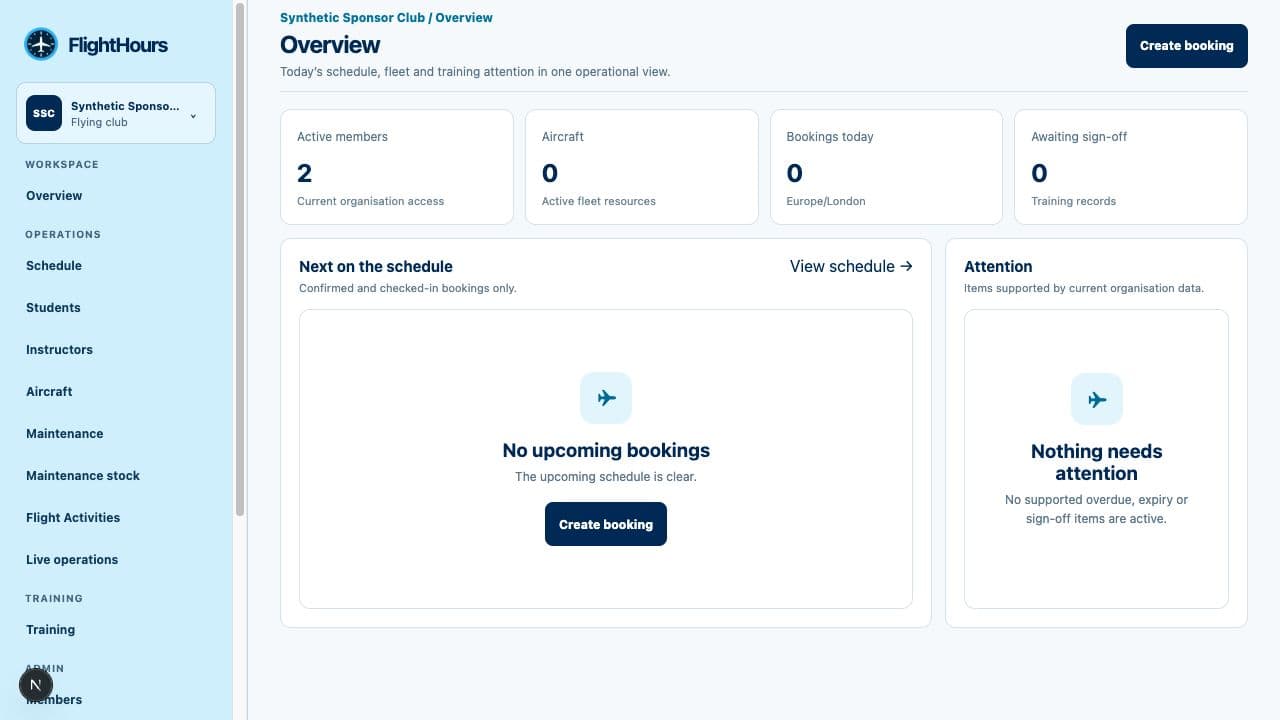
Connect the schedule, aircraft, people and training plan in one operational flow. From QR-assisted preflight to authorised dispatch, return and lesson records, every step stays attributable and easy to follow.
£49 per month · separate organisation workspace
One connected process
A booking carries the aircraft, instructor, student, location and linked programme content forward. Staff do not have to rebuild the same flight record at every stage.
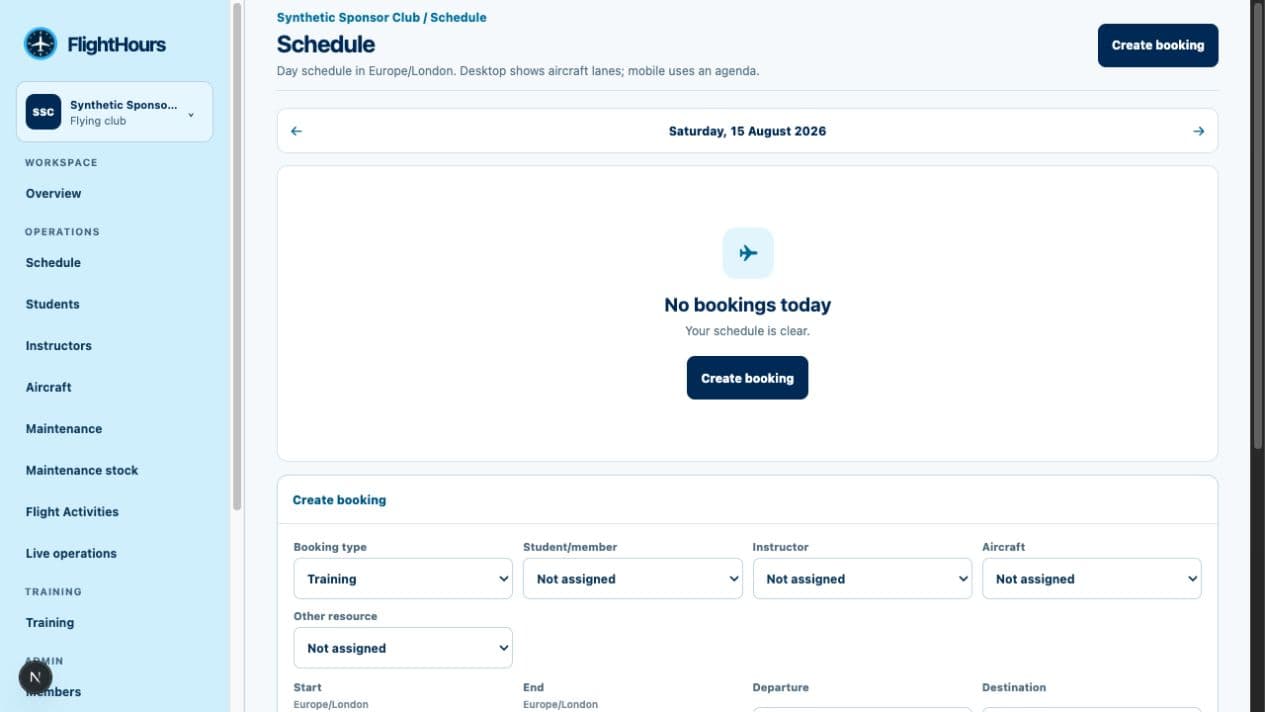
Plan aircraft, instructors, students and rooms with availability rules, exceptions and conflict checks.
Turn the booking into a flight activity while keeping its people, resources and training context attached.
Give the right person restricted access to declarations and outbound meter capture without exposing the wider workspace.
An authorised organisation user reviews the supplied evidence and commits the aircraft dispatch through a controlled state.
Capture inbound readings, defects and attestation, then preserve the operational trail and prepare eligible training records.
Aircraft and costs
Keep the details used to operate each aircraft beside its activity. Meter evidence is recorded at dispatch and return so usage stays tied to the flight that produced it.
Keep registration, base, operational status and hourly rate with the aircraft your team sees in the schedule.
One aircraft identity across the workflowRecord outbound and inbound meter readings against the activity, with who supplied them and when.
Traceable meter continuityCarry reported defects, maintenance requirements, component limits, work evidence and conservative blockers.
Operational status stays explicitStore aircraft hourly rates and maintenance stock costs with their currency so operational and financial inputs remain connected.
Clear inputs for downstream financeA revocable aircraft QR leads to a restricted PIN flow. It does not reveal crew, booking or participant information.
Least-privilege preflight accessQR users supply permitted evidence; an organisation role remains responsible for dispatch and return decisions.
Responsibility stays visibleRates and cost inputs stay ready for your downstream finance workflow. Automated customer invoicing and payment processing sit outside the organisation workspace today.
Course design and delivery
Build structured courses from sections, lessons and exercises, attach an assessment scheme, then publish a controlled version for enrolment and delivery.
Draft the syllabus, order lessons and exercises, define assessment levels and record change notes before publication.
Place each student on a published version and assign their instructor without silently moving them when the course changes.
Link the booking to the student’s programme version, lesson and selected exercises so the operational schedule carries the teaching plan.
Prepare the lesson record after return, capture repeated assessments and retain sign-off and correction history.
Data resilience and accountability
FlightHours helps organisations working under CAA requirements preserve who recorded what, when it changed and which supplied evidence supports it. It does not replace an organisation’s approvals, procedures or regulatory judgement.
Review the trust centre →Permissioned actions, audit events and revision history keep material changes connected to a user and time.
Recorded readings, declarations, defects and authority details remain identified as supplied data—not inferred approval.
Organisation records are scoped to the organisation and protected by server-side membership and role checks.
Production-readiness checks require health monitoring, encrypted backups and a verified restore drill.
Registration records the organisation type, training approval, supplied authority identity and operating base before the workspace opens.
A club can operate as a non-training organisation or record an ATO or DTO approval where applicable.
An ATO records its authority, approval reference and training identity as supplied during setup.
A DTO follows the same protected organisation setup with its declaration details and operating base.
A pilot owns their personal flights, wallet, medical records and costs. The organisation owns the operational resources it creates. Sharing requires explicit, purpose-limited access.
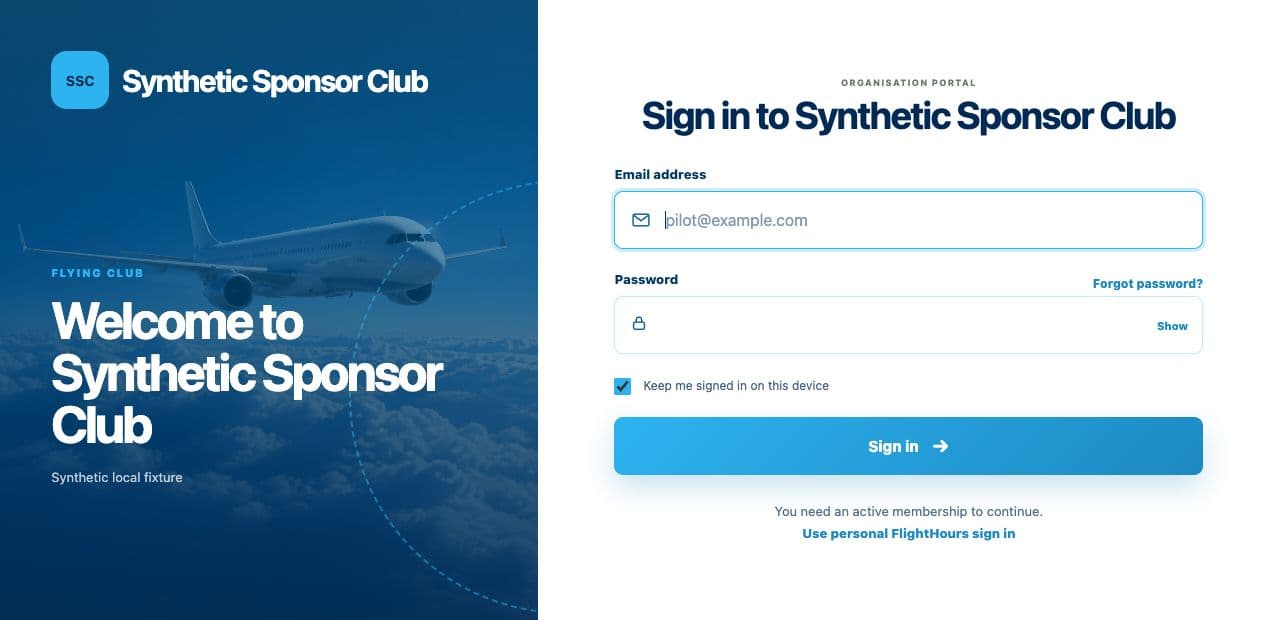
Review the trust centre →Review scheduling, member access and branded portal experiences before setting up your organisation.